
Tasks
Most AI visibility tools tell you where you stand. GEOREX tells you what to fix next. Every task in this pipeline traces back to a specific piece of evidence from a scan or site audit, it doesn't appear because a generic checklist says it should.
How a task gets created
A task appears because a specific prompt is uncited, a specific schema tag is missing, or a specific citation gap was detected, then it's deduplicated and quality-gated before it reaches your list. Rescanning on a paid plan feeds new evidence from Claude, Gemini, and Perplexity into the same pipeline, so a fuller engine picture can surface genuinely new tasks rather than just re-listing what you already had.
Board and List views
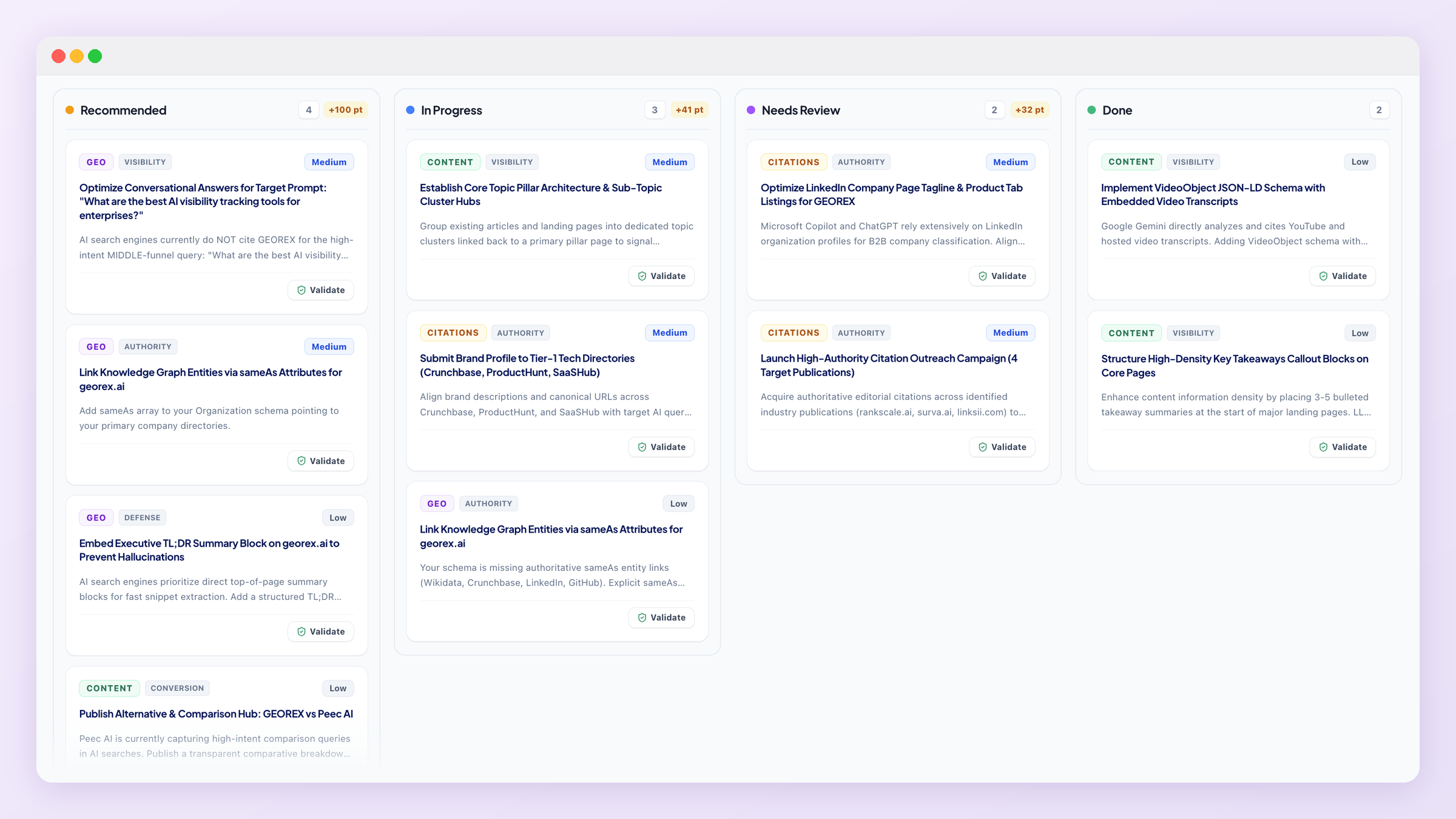
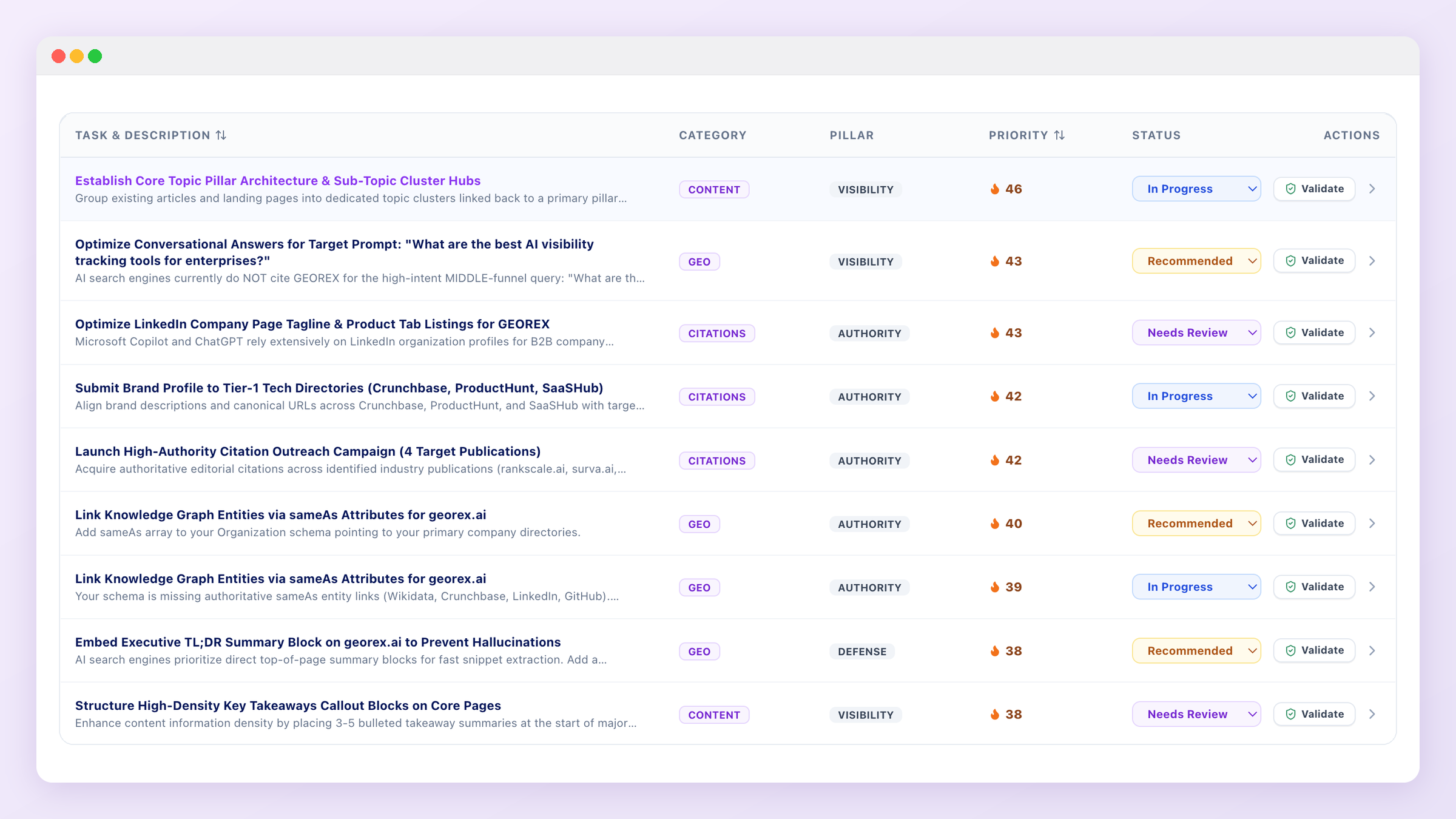
Board and List are the two primary views into your task pipeline. Every task carries a category, priority, and status you can track through to resolution.
Task detail
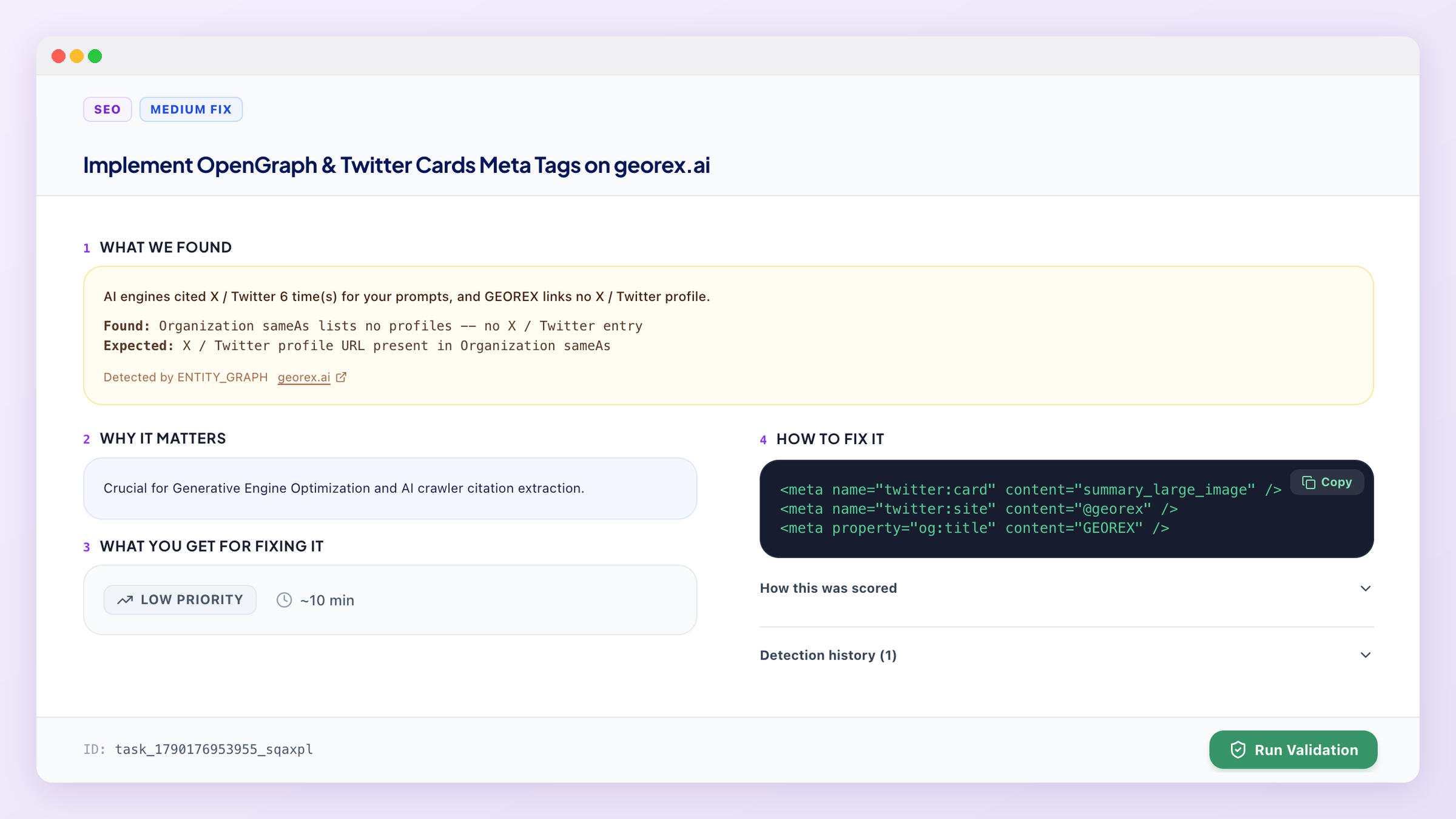
Open any task to see the evidence it was generated from and the specific recommendation attached to it.
After you fix something
What's next
Some fixes are content-shaped, new pages, optimized existing ones, see Content Studio for GEOREX's built-in generator.