
Quickstart
GEOREX measures whether ChatGPT, Claude, Gemini, and Perplexity mention or cite your brand when people ask them questions in your industry, then turns every gap it finds into a specific task you can act on. This page is the fastest path through the whole loop, start to finish.
How GEOREX works
Once a domain is connected, the core loop is five steps: GEOREX scans your tracked prompts against AI engines, scores your brand's visibility and technical health, generates tasks tied to specific evidence, you fix them, and a rescan measures whether the fix actually moved the needle. Everything below happens automatically the first time, you're mostly reviewing and confirming what GEOREX finds.
Free vs. paid, from the very first scan
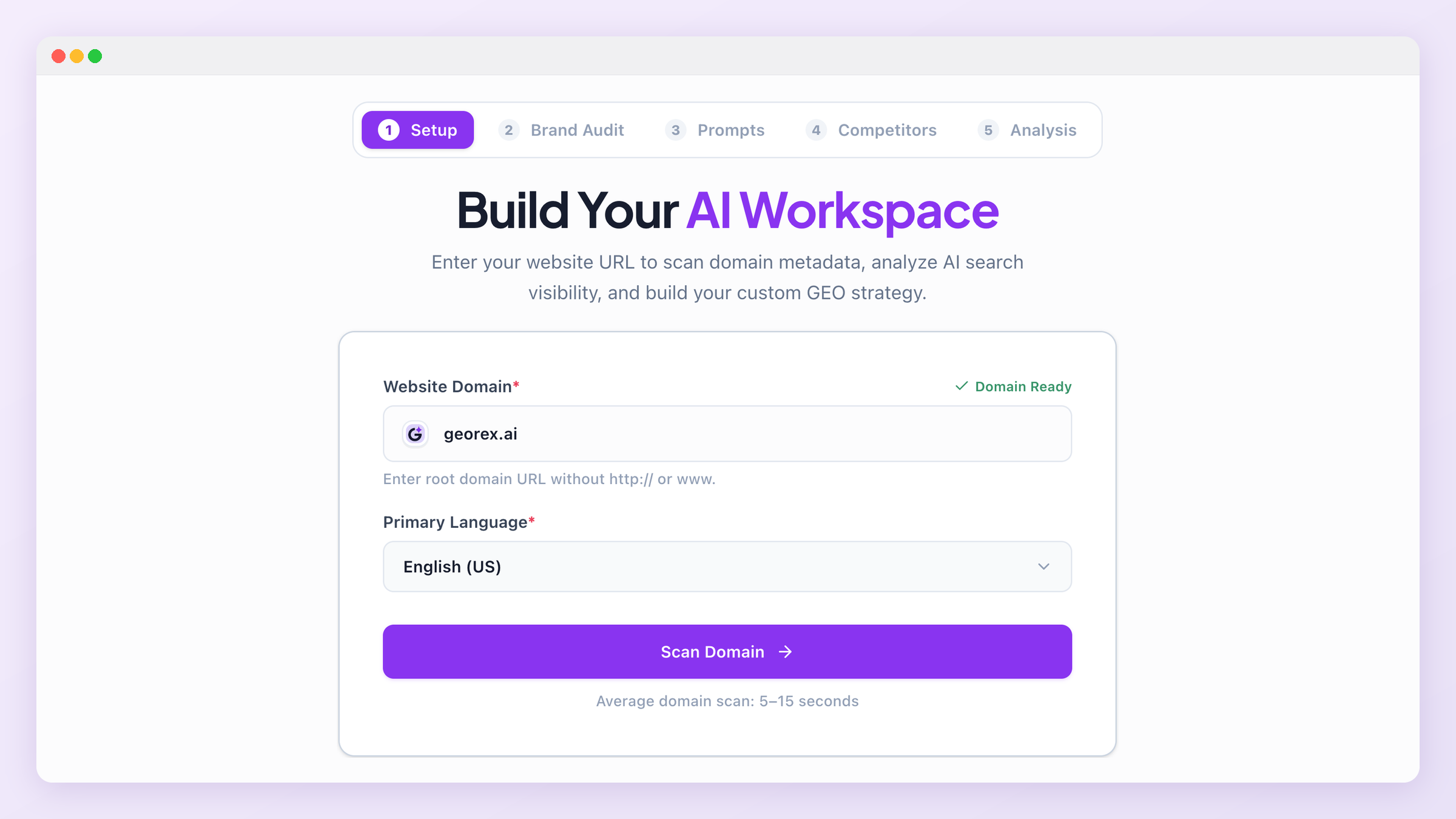
Step 1: Add your domain
Enter your domain and primary language. This is the only manual input required to start, everything else in onboarding is generated for you and reviewed, not typed from scratch.
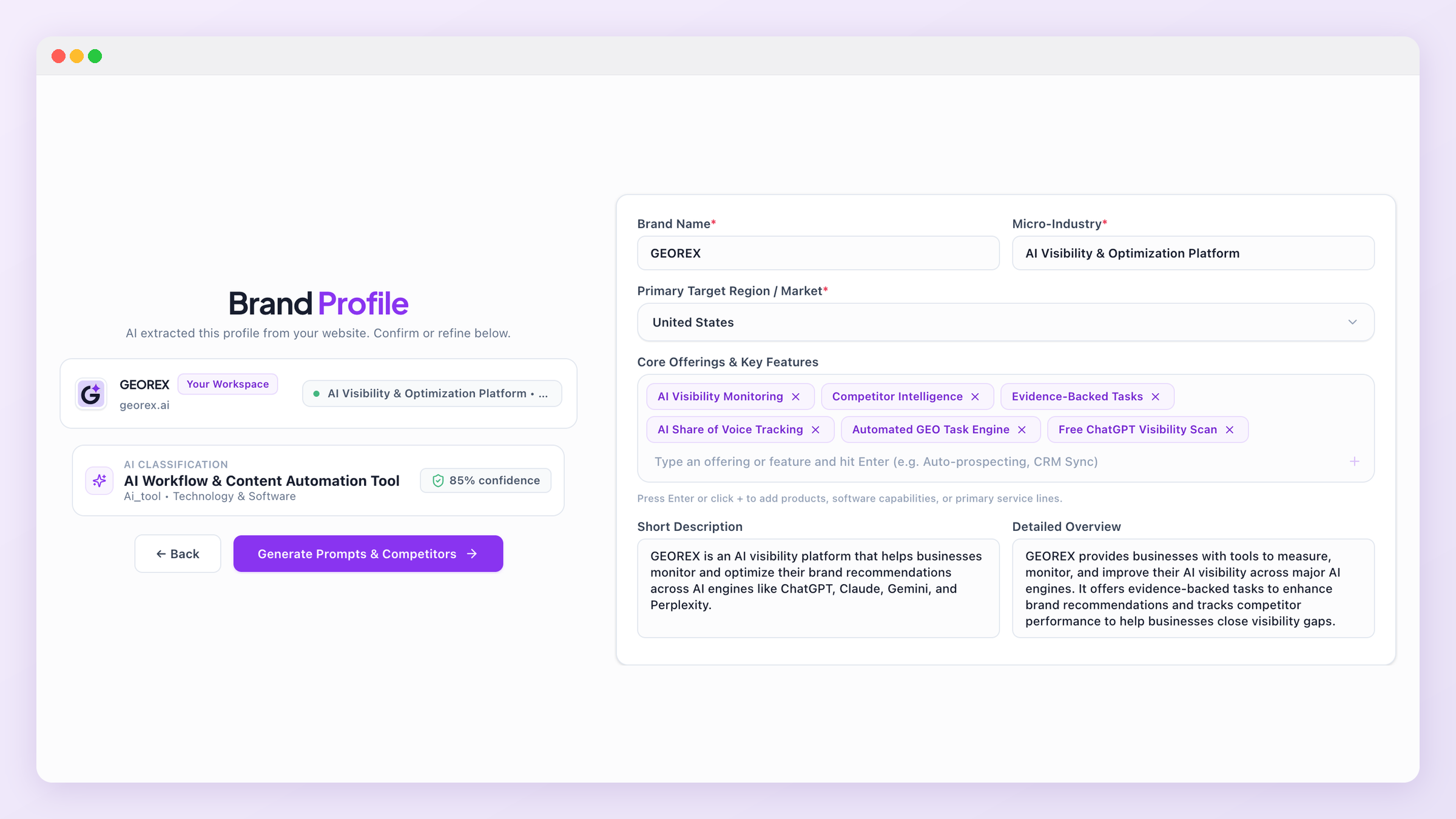
Step 2: Confirm your brand audit
GEOREX reads your homepage and drafts a brand profile: your brand name, micro-industry, region, and core offerings. Review it and correct anything before continuing, this profile is what every later prompt, competitor match, and task is generated against.
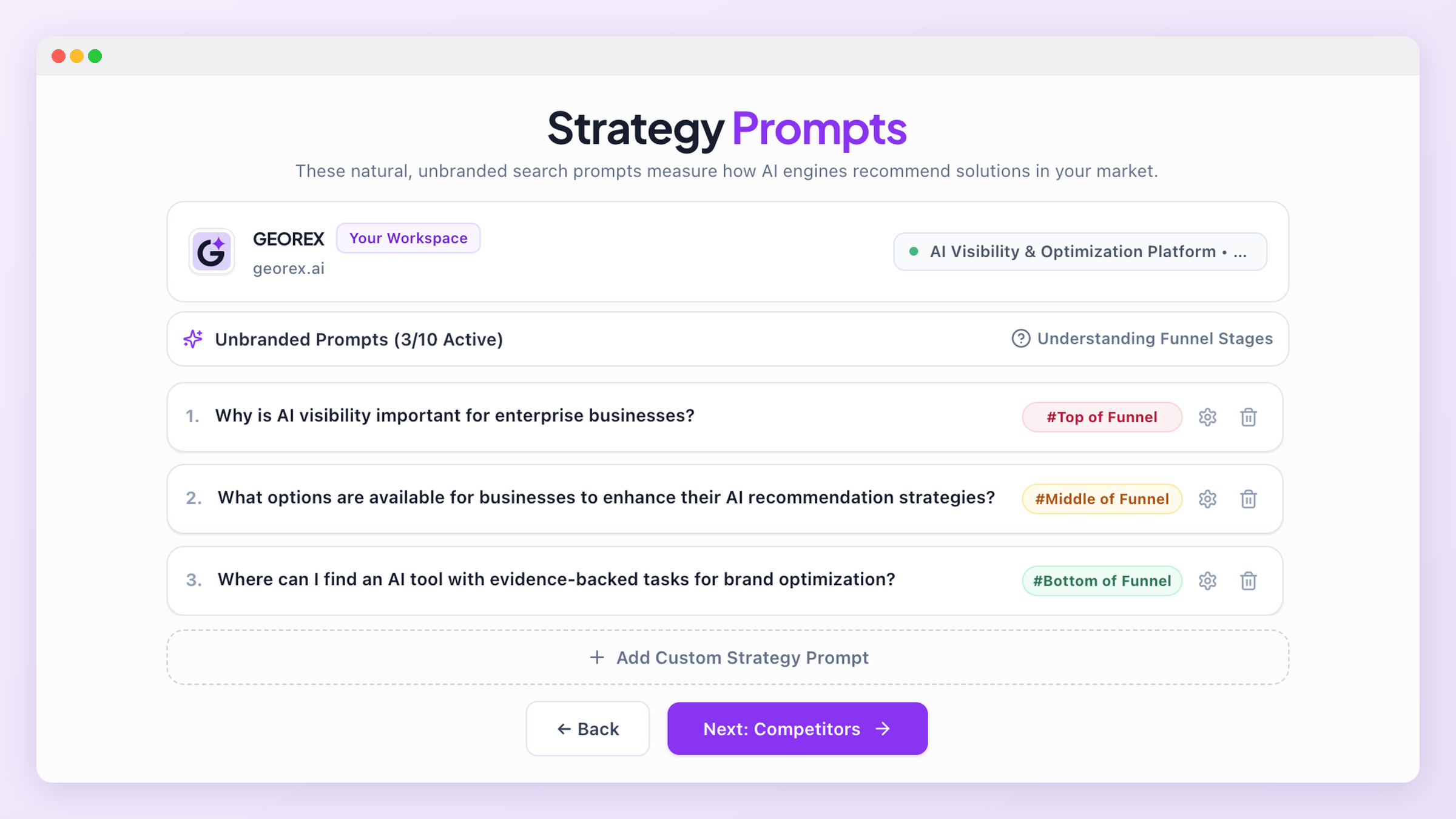
Step 3: Review your funnel prompts
GEOREX generates around nine unbranded prompts across top-, middle-, and bottom-funnel intent, the kind of question a real buyer might actually put to an AI engine. Edit, delete, or add your own before the first scan runs.
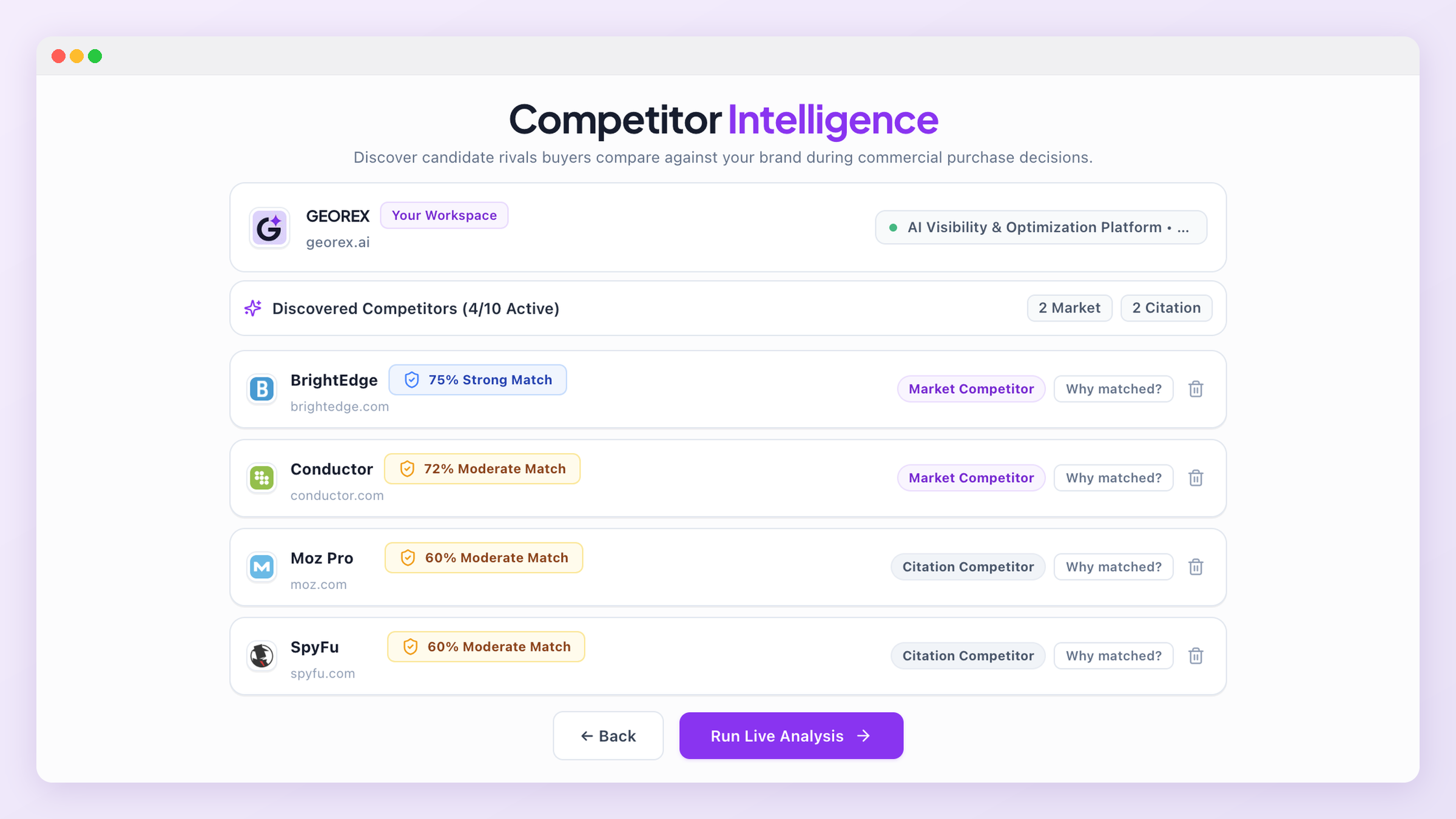
Step 4: Review discovered competitors
Competitors are discovered and scored automatically against a documented, weighted formula, then classified as a Market Competitor (real, computed evidence a buyer would choose between you and them) or a Citation Competitor (they show up in the same AI answers without necessarily being a head-to-head substitute). See Competitors for the full scoring formula.
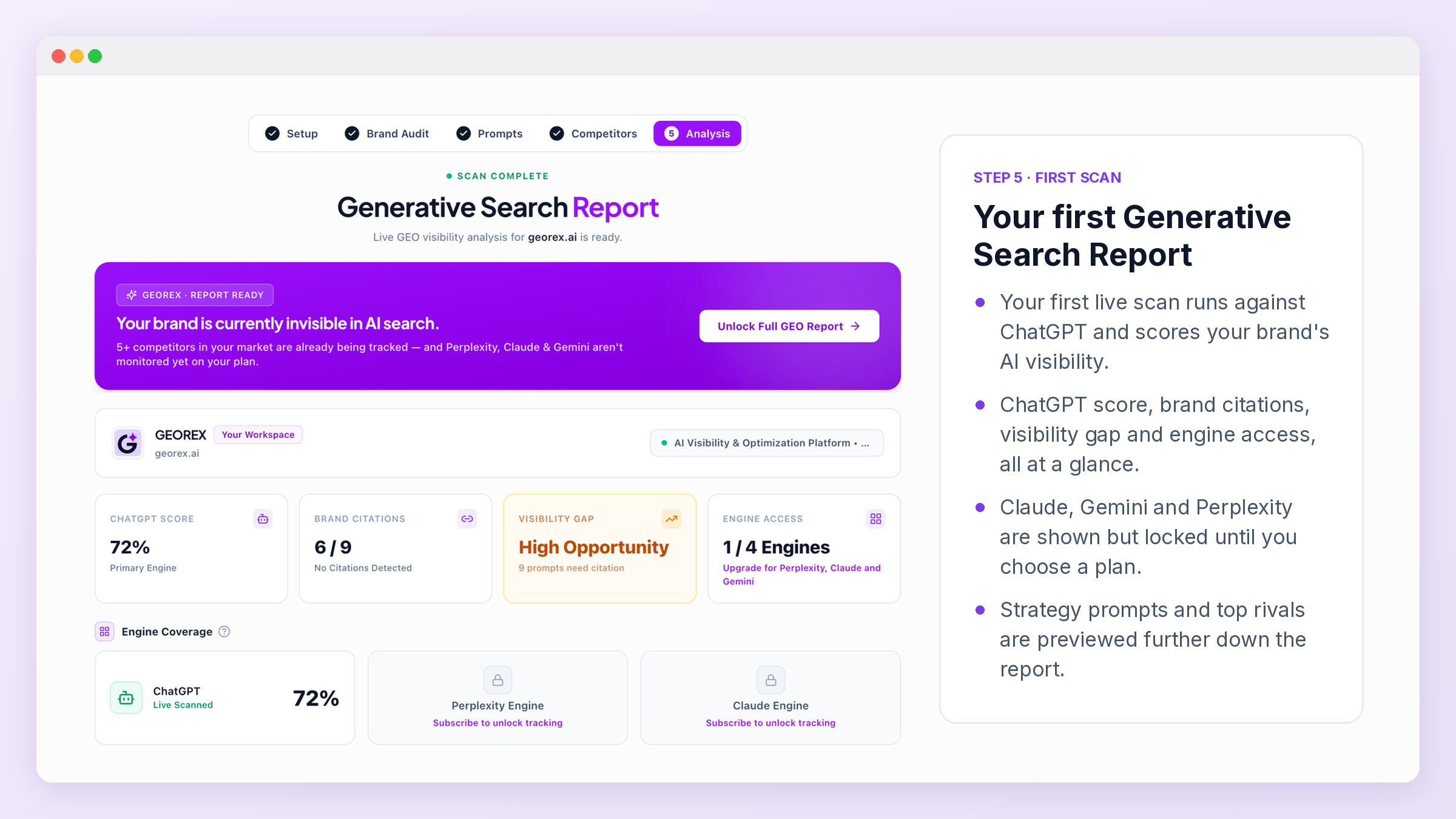
Step 5: Run your first scan
Your first live scan runs against ChatGPT and produces your first Generative Search Report, your GEO Health Score, Category Health breakdown, and an initial task list. This is the moment most free accounts decide whether to upgrade for full four-engine coverage.
Adding a second domain
What's next
From here, everything lives in your dashboard. Start with Overview & GEO Health Score to see how your results are summarized, then Tasks to start working through what GEOREX found.