
Account Setup
There are two ways to create a GEOREX account: email and password, or continuing with Google. Both land you in the same five-step onboarding wizard, see Quickstart for what happens next.
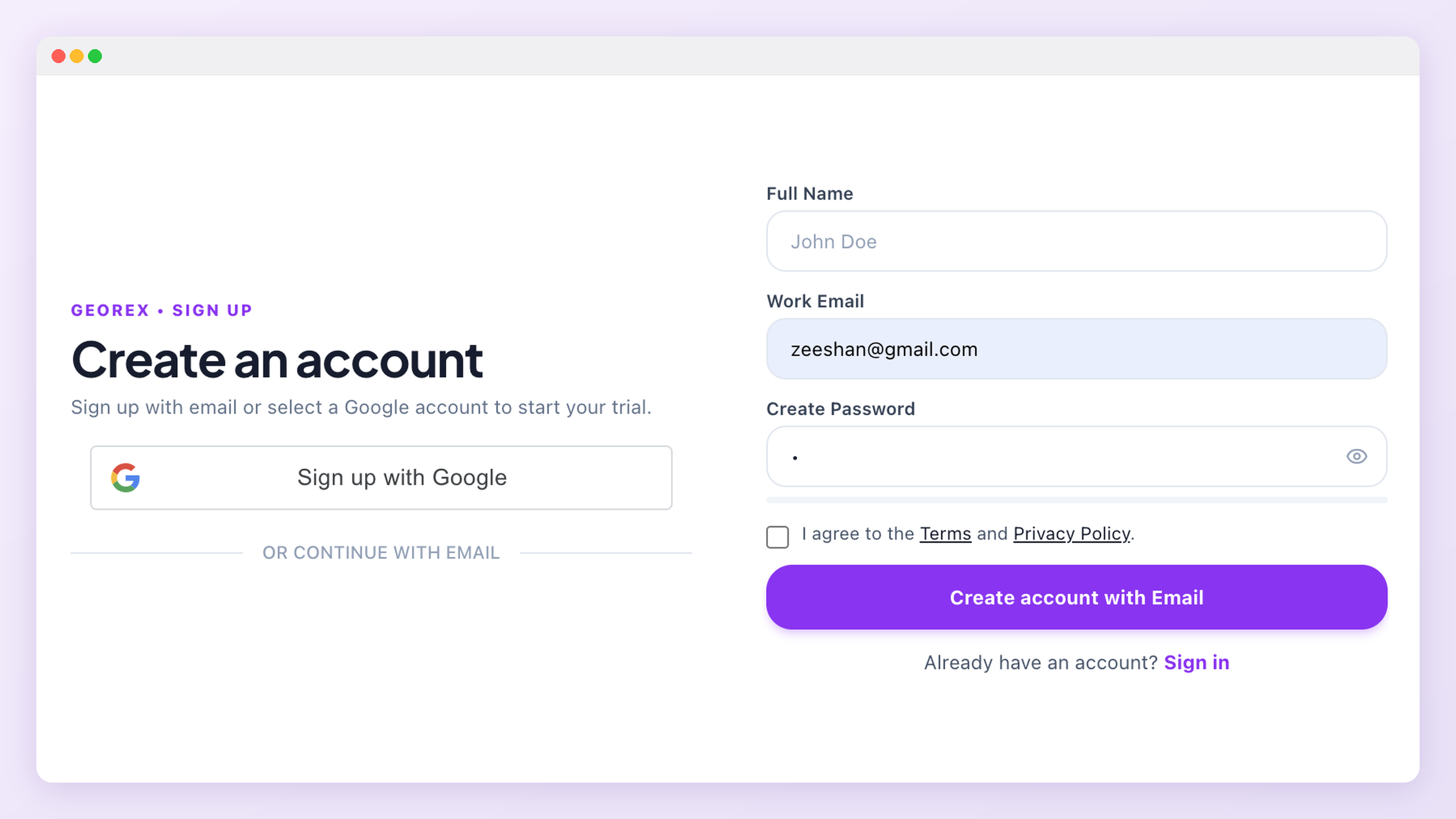
Creating an account
- Go to the signup page and choose email/password or Google.
- Confirm your email if you signed up with a password.
- You're taken straight into onboarding, there's no separate "empty dashboard" step.
Password requirements
If you sign up with email and password, your password needs to be strong enough to protect your account and your brand data. As you type, a checklist under the password field shows what's still missing, and you can't create the account until every requirement is met.
- 12 to 72 characters long
- At least one uppercase letter, one lowercase letter, one number and one special character (for example ! @ # $ %)
- Doesn't contain your name or the first part of your email address
- Isn't a commonly used or easily guessed password, and doesn't use long repeated or sequential characters like
aaaaor12345 - Hasn't appeared in a known data breach
A passphrase works well
Purple-Kettle-Orbit-42!, is easier to remember than a random string and still meets every requirement. A password manager is even better. Your password is only ever checked against the breach list in a way that never reveals it, and it's stored securely hashed, never in plain text.Choosing a plan
Every new account starts with a free 7-day trial (ChatGPT only, no card required). When it ends, choose a plan from the Membership page to keep going. Paid plans are billed monthly from the day you subscribe, and you can cancel anytime.
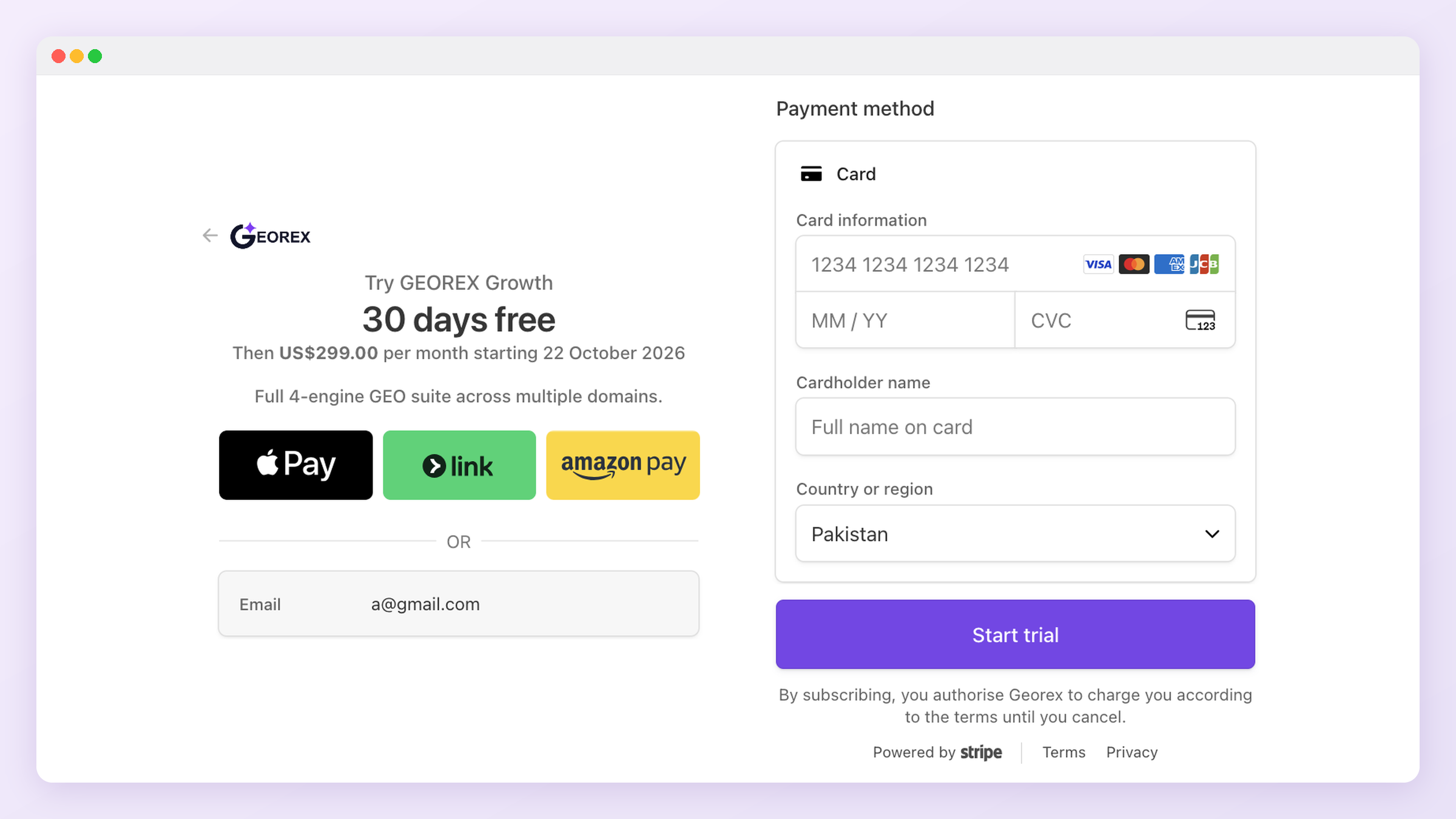
Not sure which plan yet?
Signing in later
Use the same method you signed up with. If you used Google, there's no separate GEOREX password to reset, manage access from your Google account instead.
Your profile and account security
Open Profile & security from the avatar menu (top right) or Profile in the sidebar to manage your own account:
- Profile: your name and profile photo (JPG, PNG or WEBP, up to 2 MB), plus a snapshot of your plan and tracked domains. Your sign-in email can't be changed here; contact support if you need that.
- Security: change your password. You need your current password, and the new one must meet the same requirements as at signup. Changing it signs you out of every other device.
- Devices: every browser and device currently signed in, with when it was last active. Sign out any single device, or all the others at once.
- Activity: your recent sign-ins and security changes, including anything an administrator did on your account for support.